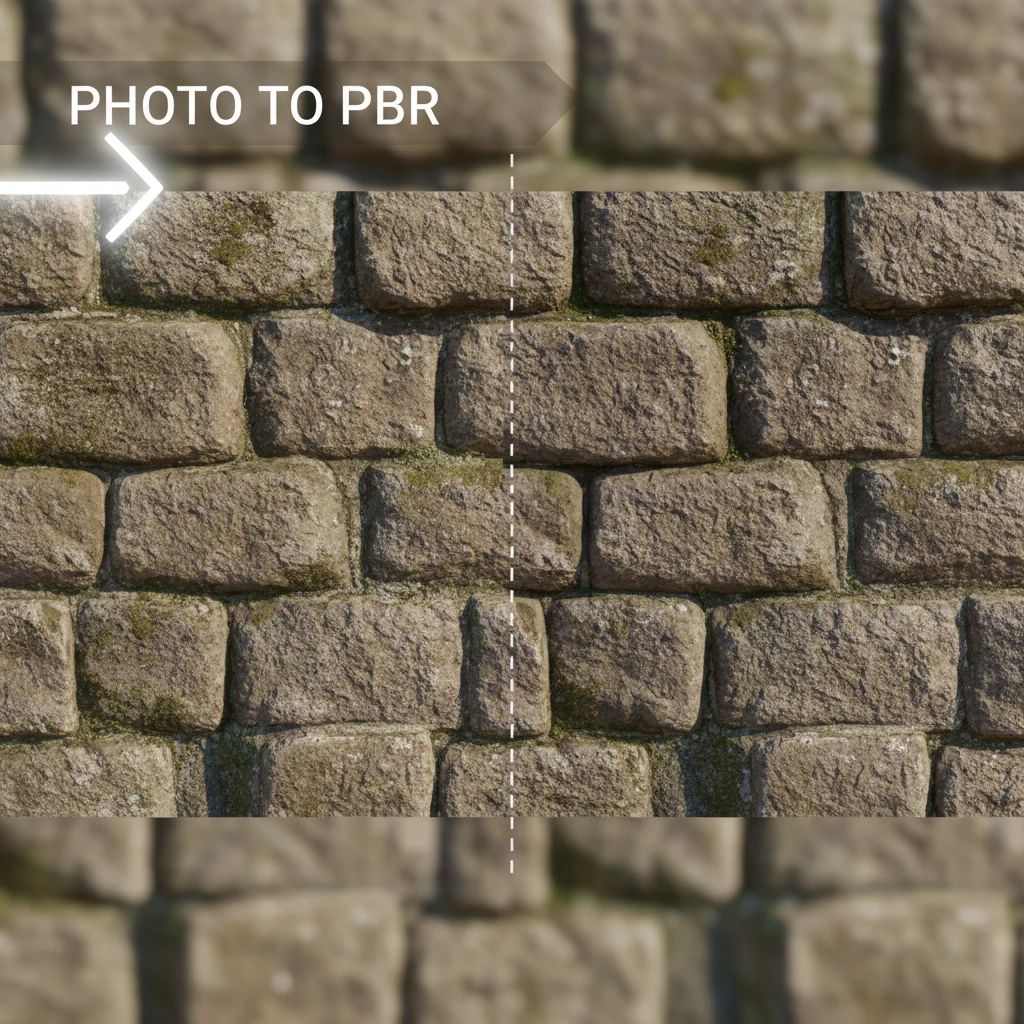
In modern game development, visual fidelity is paramount. Players expect environments and objects that look realistic, immersive, and consistent. Achieving this often relies on Physically Based Rendering (PBR), a shading and rendering technique that accurately simulates how light interacts with surfaces.
While PBR delivers stunning results, creating the necessary texture maps—Albedo, Normal, Roughness, Metallic, Ambient Occlusion, and Height—can be a time-consuming and complex process. This is where the "image to PBR" workflow becomes a game-changer, allowing creators to transform ordinary photographs into high-quality, production-ready PBR materials with remarkable efficiency.
Understanding PBR: Beyond Basic Textures
Physically Based Rendering (PBR) is a methodology that aims to render graphics in a way that more accurately models the physics of light. Unlike older rendering techniques that often relied on artistic approximations, PBR uses real-world material properties to simulate how light behaves, resulting in more consistent and believable visuals across different lighting conditions.
A complete PBR material typically consists of several texture maps, each defining a specific surface property:
- Albedo (Base Color): Defines the color of the surface without any lighting information.
- Normal Map: Adds surface detail by faking high-resolution geometry, influencing how light reflects across the surface.
- Roughness Map: Determines how rough or smooth a surface is, affecting the spread and intensity of specular reflections.
- Metallic Map: Differentiates between metallic and non-metallic surfaces, dictating how light is reflected or absorbed.
- Ambient Occlusion (AO) Map: Simulates soft shadows where objects are close together, adding depth and realism.
- Height/Displacement Map: Provides actual geometric displacement for fine surface details, often used with tessellation.
Mastering these maps is fundamental to creating assets that look great in any game engine, from Unity to Unreal Engine and beyond.
The Challenge of Manual PBR Creation
Traditionally, creating PBR textures from scratch or even from reference images involved significant manual effort. Artists would often:
- Manually paint or sculpt normal maps to define surface details.
- Carefully adjust roughness and metallic values based on material type and reference.
- Generate ambient occlusion through complex baking processes.
- Iterate extensively to ensure all maps worked cohesively and looked correct under various lighting.
This process is not only labor-intensive but also requires a deep understanding of material properties and PBR principles. Inconsistencies can easily creep in, leading to materials that don't quite look right or don't perform consistently across different assets within a project. For game development teams under tight deadlines, manual PBR creation can become a significant bottleneck.
Image to PBR: A Modern Workflow
The "image to PBR" workflow revolutionizes material creation by leveraging a single source image—a photograph—to automatically generate all the necessary PBR maps. This approach drastically reduces production time and ensures a higher degree of consistency across your asset library.
Instead of starting from a blank canvas or painstakingly hand-crafting each map, you can capture a real-world surface and let specialized software interpret its properties. This method is particularly powerful for creating realistic environmental textures like concrete, wood, fabric, or rock, where subtle variations in surface detail are crucial for believability.
The core benefit lies in efficiency and realism. By basing materials on real-world data, the resulting PBR textures inherently possess a level of detail and authenticity that is difficult to replicate purely through artistic interpretation, especially at scale.
Key Steps to Transform Photos into PBR Materials
While the process is largely automated by tools, understanding the underlying steps helps optimize your results:
1. Source Image Selection and Capture
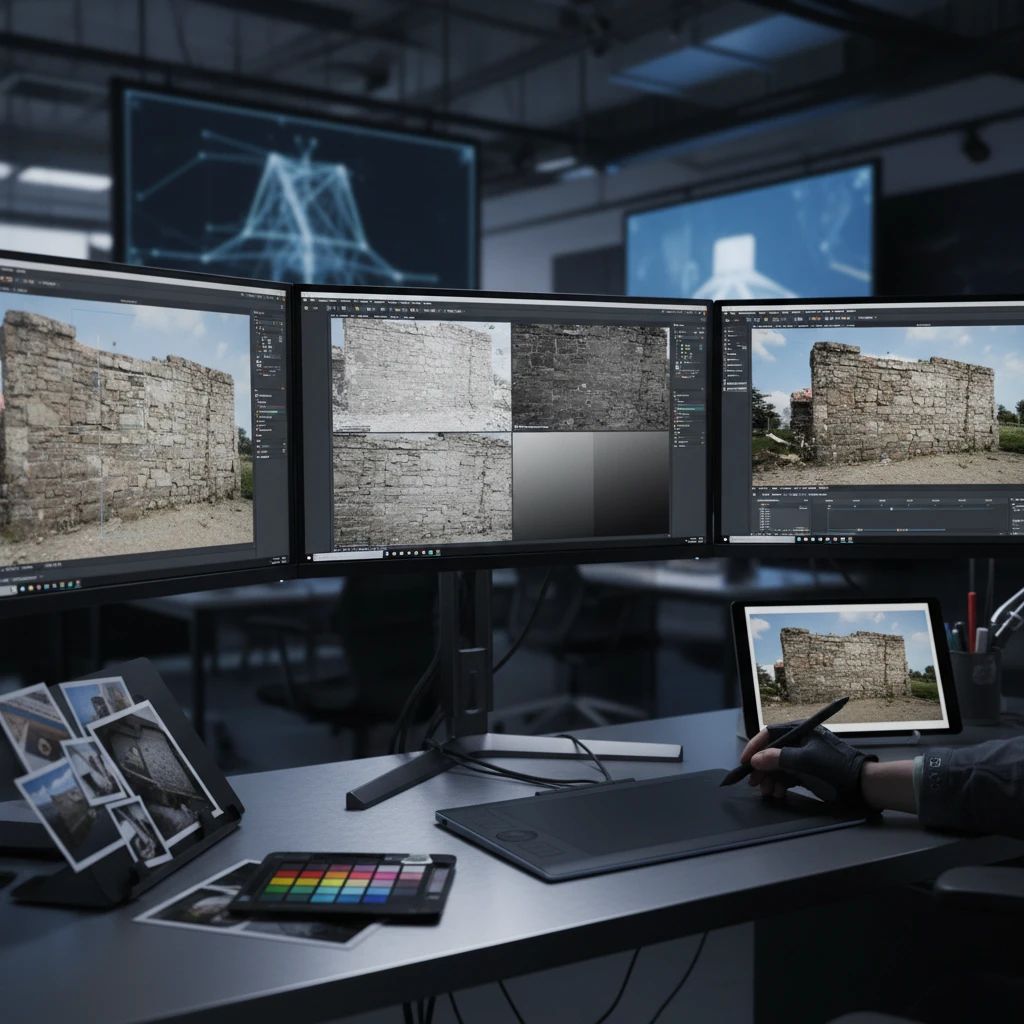
The quality of your output PBR material is directly tied to the quality of your input photograph. Choose images that are well-lit, in focus, and represent the desired surface texture accurately. Ideally, capture images with diffuse, even lighting to minimize harsh shadows and specular highlights that can interfere with accurate map generation.
2. Pre-processing and Preparation
Before feeding the image into a PBR generator, some preparation might be necessary:
- De-lighting: Removing existing lighting information from the photo to isolate the true albedo color.
- Perspective Correction: Straightening any perspective distortion if the photo was taken at an angle.
- Seamless Tiling: Preparing the image to tile seamlessly for repeatable textures, often involving content-aware filling or mirroring.
Many advanced tools, including PLAYTEX, incorporate intelligent de-lighting and tiling algorithms to streamline this phase.
3. Automated Map Generation
This is the core of the image-to-PBR process. Specialized algorithms analyze the input image to infer surface properties and generate the corresponding PBR maps. For instance, variations in color and perceived depth are used to create normal and height maps, while differences in light absorption and reflection inform roughness and metallic maps.
4. Refinement and Iteration
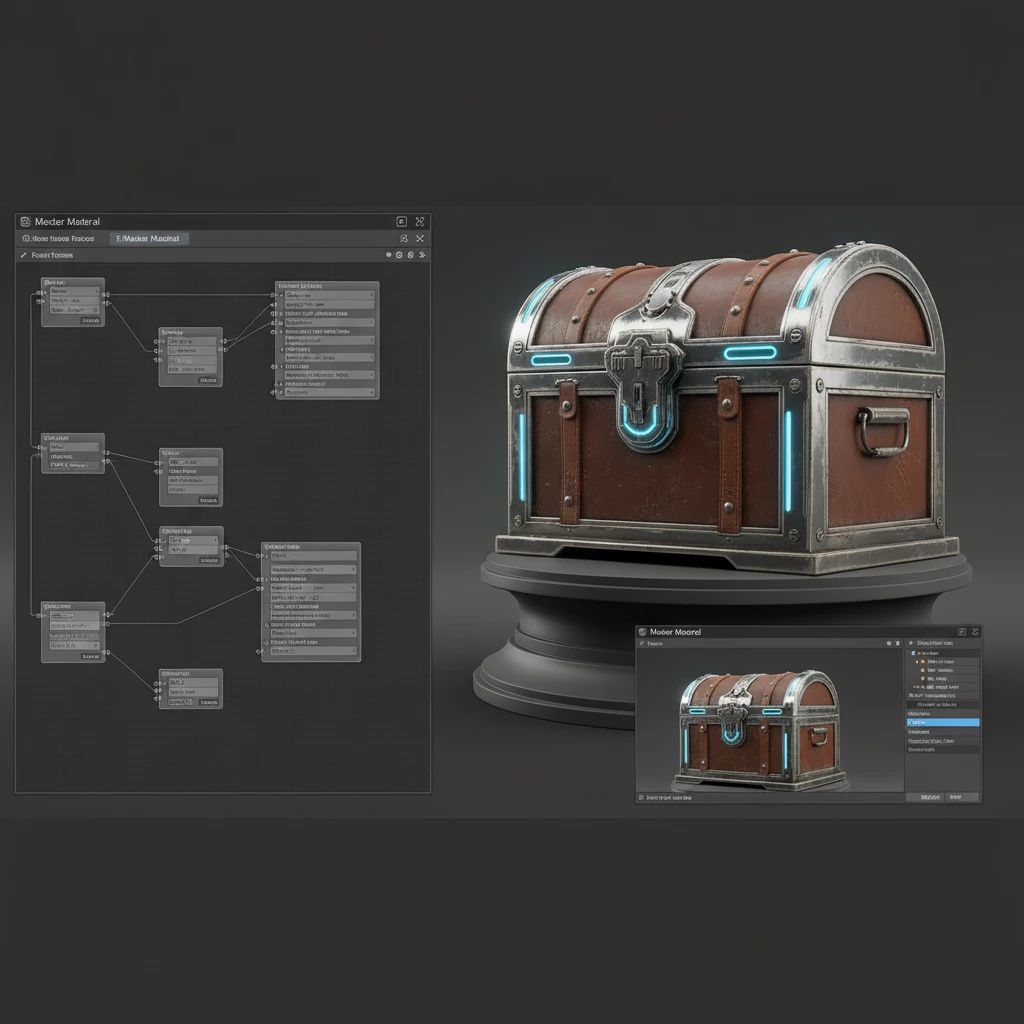
While automation is powerful, a human touch is often needed for final adjustments. Review the generated maps, tweak parameters like roughness intensity or normal map strength, and ensure the material looks correct in a 3D viewer. This iterative process allows you to fine-tune the material to perfectly match your artistic vision or project requirements.

Explore Related PLAYTEX Tools
These tools connect directly to the workflow covered in this article.
- AI Texture Generation - Directly relevant to how AI enhances the image-to-PBR process.
- PBR Map Generator - Provides more detail on the underlying PBR map creation process, which is central to image-to-PBR.
- HDRI Generation - Related to environment art and lighting, which complements PBR material creation.