What you will get
- Write better prompts that produce usable surfaces instead of pretty noise.
- Use preset logic and palette controls to reduce rerolls.
- Know when to stop generating and move into map creation.
AI Generation
Generate new tileable textures from prompts, material presets, palette direction, and style controls designed for game surfaces rather than generic scene art.
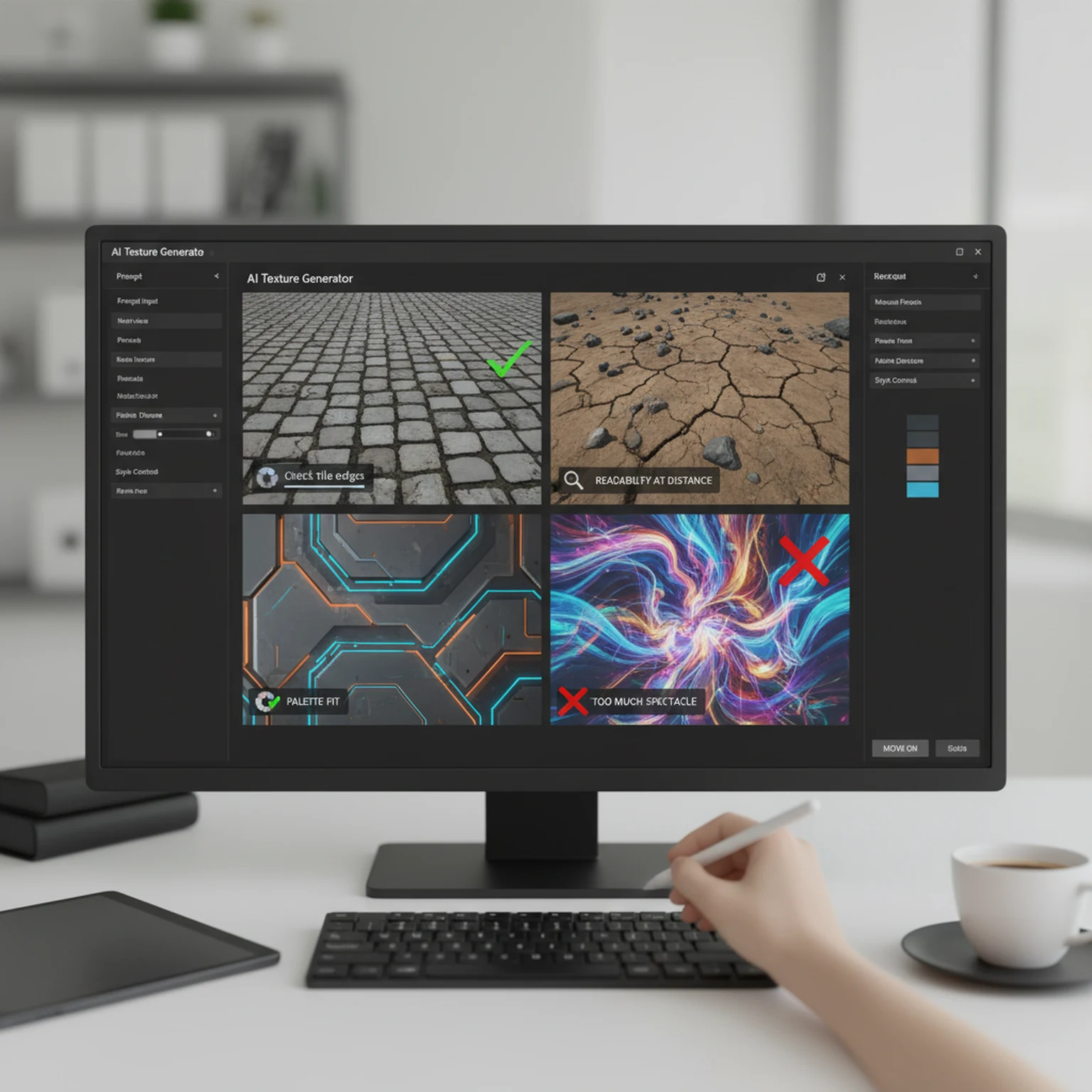
The difference between a useful AI texture workflow and a frustrating one is not whether the images look impressive on first glance. It is whether the outputs are actually usable as repeating surfaces. General image generators are often optimized for scene imagery, concept illustrations, or isolated pictures that only need to look good from one angle. A texture workflow is different. The output has to tile, hold up at multiple distances, and make sense as the beginning of a real material pipeline.
That is the reason PLAYTEX AI Texture Generator is most helpful when you treat it like a surface ideation tool rather than a generic art toy. The presets, style controls, pattern scale, variation handling, and seamless bias all exist to help you land on a material that can move forward into production. The reader searching for an AI texture guide usually wants to know how to get fewer throwaway results and more surfaces that are worth keeping. That is the problem this page should solve.
From a search-content perspective, this is also where the page becomes more helpful than a thin landing page. Instead of repeating generic claims about AI, it explains what the user should do, what the controls actually influence, and when the workflow should end. That is the kind of clarity Google encourages in people-first content.
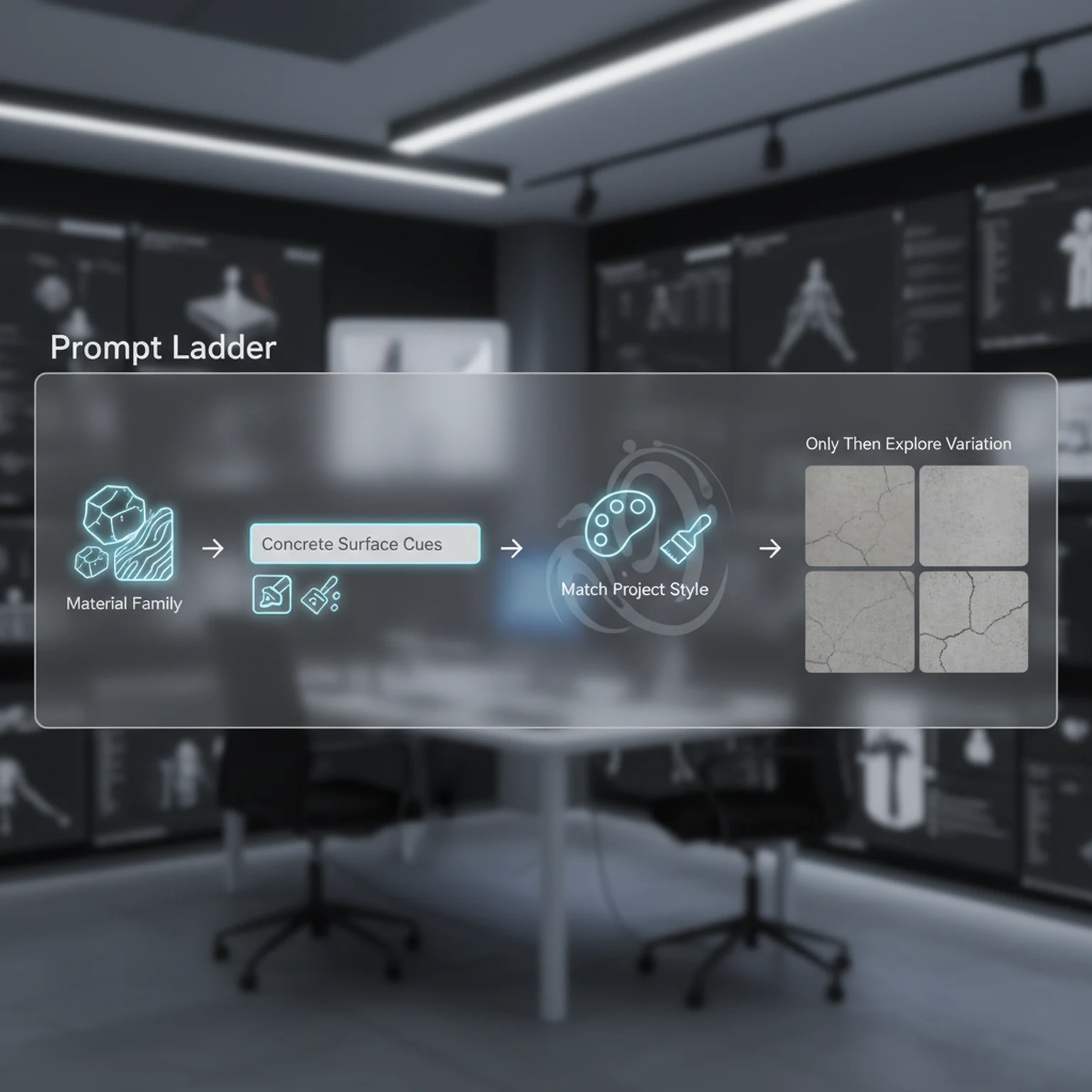
One of the simplest improvements most users can make is to choose the preset first and write the prompt second. The preset establishes the material family. That means the tool already understands whether it should behave more like stone, wood, metal, fabric, facade, ground, or another surface type. Once that baseline exists, the prompt can focus on the details that actually matter: cleanliness, wear, moisture, age, color cues, finish quality, scale of breakup, or art-direction language.
Users often overcomplicate prompts because they are trying to compensate for a missing baseline. They pile up adjectives, mood words, and contradictory traits in one sentence, then wonder why the output drifts. In practice, shorter and clearer prompts usually work better once the preset has done its job. You are refining the material, not writing a miniature novel about it.
That makes the workflow more teachable too. If a team wants to standardize generation quality, it is far easier to say preset first, prompt second, style third, variation last than to enforce a long list of fragile prompt-writing rules. A guide page should make those decisions teachable, because that is what lets readers turn information into repeatable practice.
Style tells the generator how the surface should feel visually. Pattern scale controls the apparent size of the repeated detail. Variation controls how far the output is allowed to drift from the current direction. Together those three controls shape whether a texture reads like a clean prop surface, a broad environment material, a stylized game texture, or a more realistic surface pass. They are powerful because they affect the whole read of the texture before you ever reach map generation.
Variation deserves special attention because it is commonly misunderstood. It is not a quality slider and it is not automatically better when turned up. High variation is useful when you are exploring possible directions and the current baseline is too safe. Low variation is useful when you already have a winning direction and want consistency around it. If you treat variation as a default max setting, you usually make iteration less reliable, not more creative.
The same principle applies to pattern scale. A material intended for a wide floor surface should not necessarily carry the same detail scale as a close-up prop. If the repeated forms are too small, the texture can become noisy in-engine. If they are too large, the tile feels empty. A practical guide needs to name those tradeoffs because they affect real production outcomes, not just pretty previews.
A disciplined AI texture workflow has a stopping point. Once the texture is tile-safe, readable, and close to the art direction, the best next step is usually not another reroll. It is either cleanup or map generation. PLAYTEX already supports both of those paths. Image Editor is useful if the output is mostly correct but needs local correction, mask work, or polish. PBR Map Generator is the right next step if the base color is ready to become a full material stack.
This matters because endless generation is one of the easiest ways to waste time. Users often keep rolling because there might be something even better. In production, that instinct quickly becomes expensive. The real question is whether the current texture solves the asset need. If the answer is yes, then the workflow should advance. That is how you turn AI generation into pipeline value instead of just novelty.
Positioning PLAYTEX here is straightforward and credible: it is the place where the texture can start as a prompt-driven surface concept and then move into a broader material workflow. That is a more useful promise than simply saying the generator is powerful. It tells users how the product fits into work they already understand.
The preset is the material family. It gives the generator a stronger baseline than a vague paragraph. Use the prompt to refine, not to replace the preset.
Style changes the rendering attitude of the texture, while pattern scale changes how large the repeating detail feels. Together they determine whether the output reads like prop detail, flooring, terrain, or wall coverage.
Variation is not a quality slider. It controls how far the system can drift away from the baseline. Increase it when you want exploration, decrease it when you want reliable iteration.
Once a texture is clean and readable, move it into PBR Map Generator or save it to library. Do not keep rerolling if the current one already solves the production need.
It is optimized around seamless material creation, not one-off scene images, so the workflow is centered on tileability and surface utility.
Move as soon as the base color texture is readable, tile-safe, and art directed. That is the point where more rerolls usually add less value than building the real material maps.
Open the live workflow that this guide is documenting.
PBR Map Generator Guide for Game MaterialsUse the PBR Map Generator to turn a texture into a coherent material set with normal, roughness, metallic, AO, height, and emission outputs tuned for real-time engines.
Image to Texture Generator Guide for Photos, Scans, and Reference SurfacesConvert photos, scans, and existing artwork into tileable textures using region selection, surface extraction, seam guidance, and post-processing designed for game surfaces.
Image Editor Guide for Texture Cleanup, Region Work, and Background RemovalUse the Image Editor to crop, transform, remove backgrounds, tune tone and detail, work on isolated regions, and prep textures before they move into the rest of the PLAYTEX pipeline.