What you will get
- Clean source images before generation or export.
- Apply precise edits to a region instead of damaging the full texture.
- Use mask-aware cleanup and finishing tools inside one workspace.
Editing and Cleanup
Use the Image Editor to crop, transform, remove backgrounds, tune tone and detail, work on isolated regions, and prep textures before they move into the rest of the PLAYTEX pipeline.
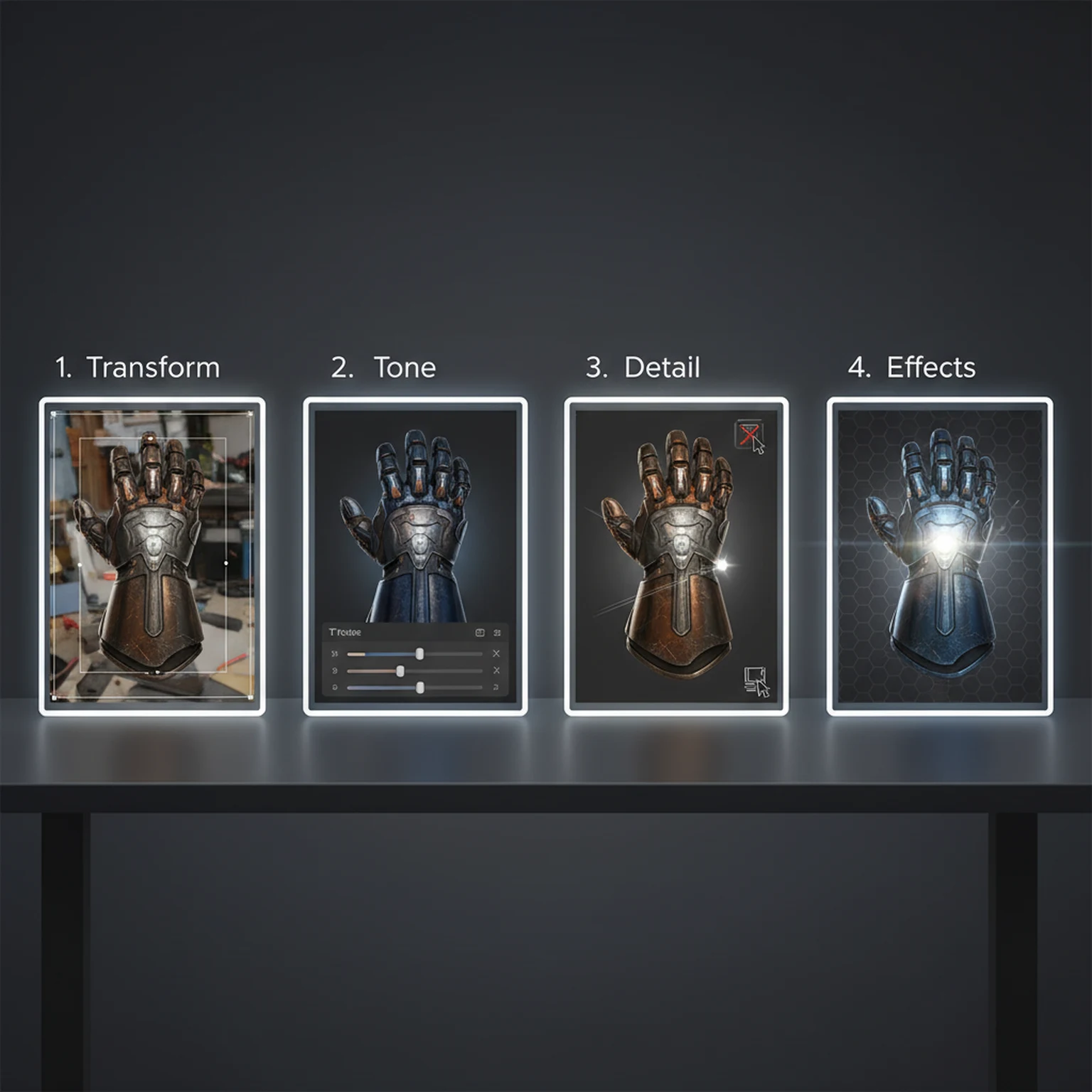
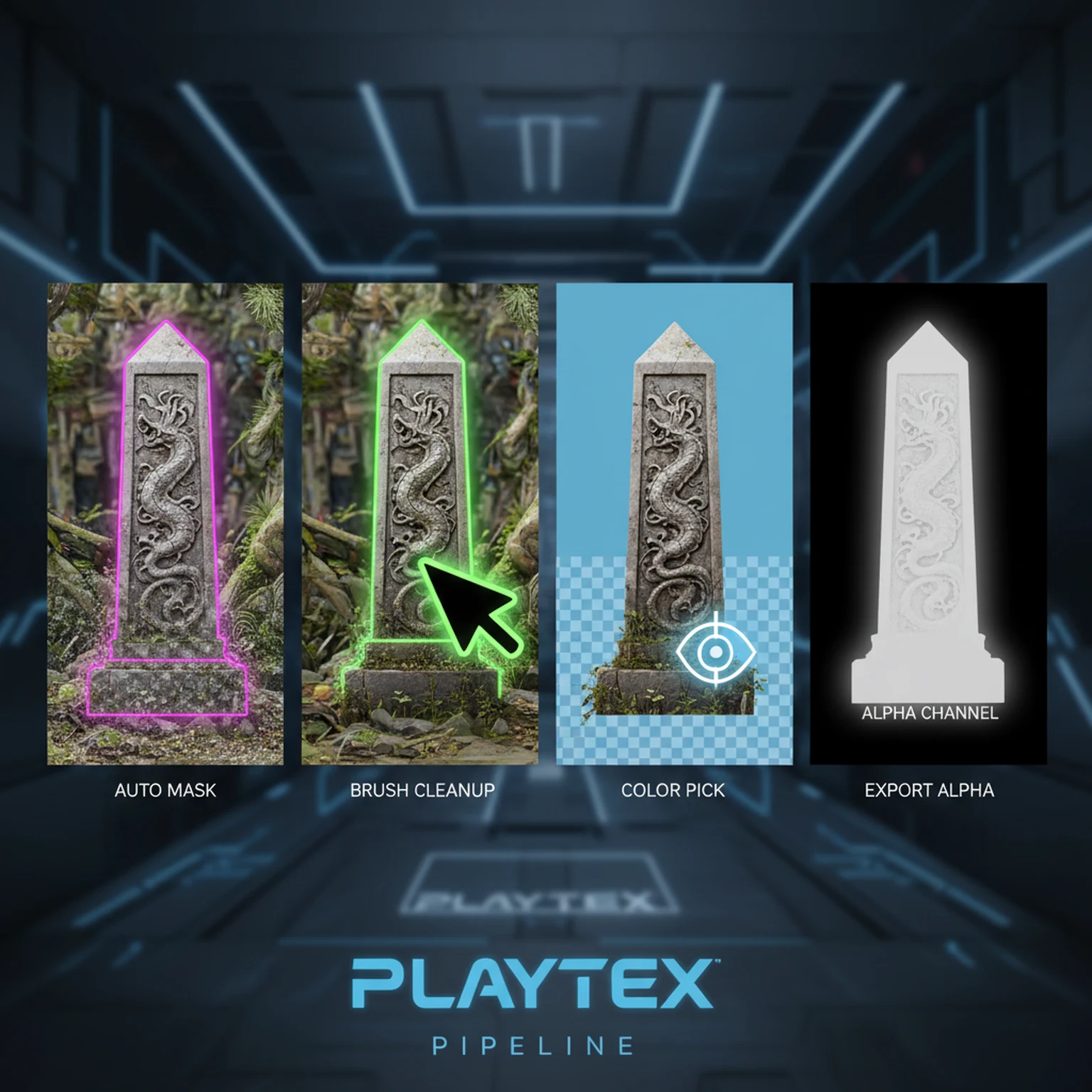
If the whole image needs the same correction, stay in standard editing mode. If only one section needs work, turn on region editing first so you do not degrade the full texture.
Rotate, crop, flip, background-remove, and basic tone-correct before you add creative effects. Structural cleanup should happen before visual seasoning.
Create a region, feather it, and lock after apply when you need to protect one area while continuing to adjust the rest of the image.
Once the source is stable, send it to Image to Texture, AI workflows, or PBR generation. The editor is best used as a cleanup stage, not as a place to endlessly restyle the asset.
Use Image Editor when you need layered, mask-aware, or region-specific control rather than a quick single-purpose adjustment.
Piling on detail and effects before the image is correctly framed, exposed, and masked. Basic corrections should always come first.
Open the live workflow that this guide is documenting.
Image to Texture Generator Guide for Photos, Scans, and Reference SurfacesConvert photos, scans, and existing artwork into tileable textures using region selection, surface extraction, seam guidance, and post-processing designed for game surfaces.
AI Texture Generator Guide for Seamless Surface CreationGenerate new tileable textures from prompts, material presets, palette direction, and style controls designed for game surfaces rather than generic scene art.
Getting Started with PLAYTEX Texture ToolsUse this guide to choose the right PLAYTEX workflow, understand where each tool fits, and move from idea to game-ready material without bouncing between random experiments.