What you will get
- Create usable environment maps for lighting and reflection look-dev.
- Understand how scene prompt, sky controls, seam fixes, and orientation work together.
- Preview the panorama before it reaches engine.
AI Generation
Create HDRI environment maps for lighting, reflections, and global illumination with controls for environment type, style, time of day, clouds, sun position, seam fixes, and export orientation.
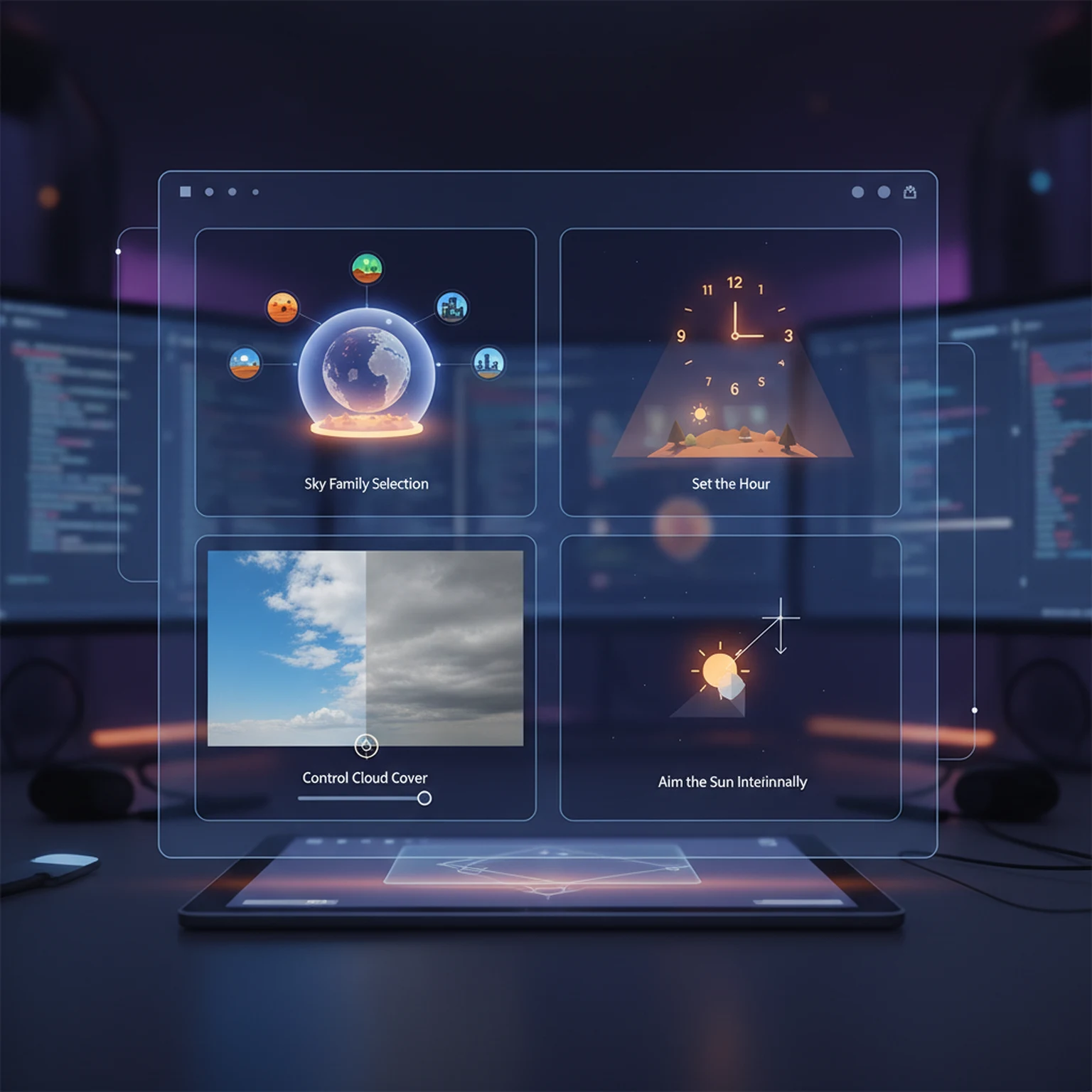

Text-to-HDRI is best when you are designing the environment from scratch. Image-to-HDRI is best when a concept, matte, or sky reference already exists.
Environment type, style, time of day, cloud density, and sun position establish the lighting behavior. Use the prompt to refine the atmosphere, not to replace these controls.
Use the 360 preview, seam score, seam fix mode, yaw rotation, and strict 2:1 conversion tools before export. Lighting problems are easier to solve here than after engine import.
Make rotation and orientation decisions intentionally. Different pipelines care about yaw offset, baked rotation, and strict aspect handling.
The biggest levers are environment family, time of day, cloud density, sun angle, and seam quality. The prompt refines those decisions instead of replacing them.
It changes where the most important light and skyline features land in relation to the scene, which directly affects reflections, rim light, and mood.
Open the live workflow that this guide is documenting.
PBR Map Generator Guide for Game MaterialsUse the PBR Map Generator to turn a texture into a coherent material set with normal, roughness, metallic, AO, height, and emission outputs tuned for real-time engines.
Getting Started with PLAYTEX Texture ToolsUse this guide to choose the right PLAYTEX workflow, understand where each tool fits, and move from idea to game-ready material without bouncing between random experiments.
Asset Binder Guide for Mesh Slots, Material Versions, and Review WorkflowsUse Asset Binder to import a mesh, parse material slots, assign approved material versions, preview bindings, and review slot-level logic inside a project-scoped workflow.